Apple Watch Weight Loss Tracking — Use Your Data Right
Closing your rings every day but the scale won't move? Here's what your Apple Watch actually measures, where it's wrong, and how to fix it.

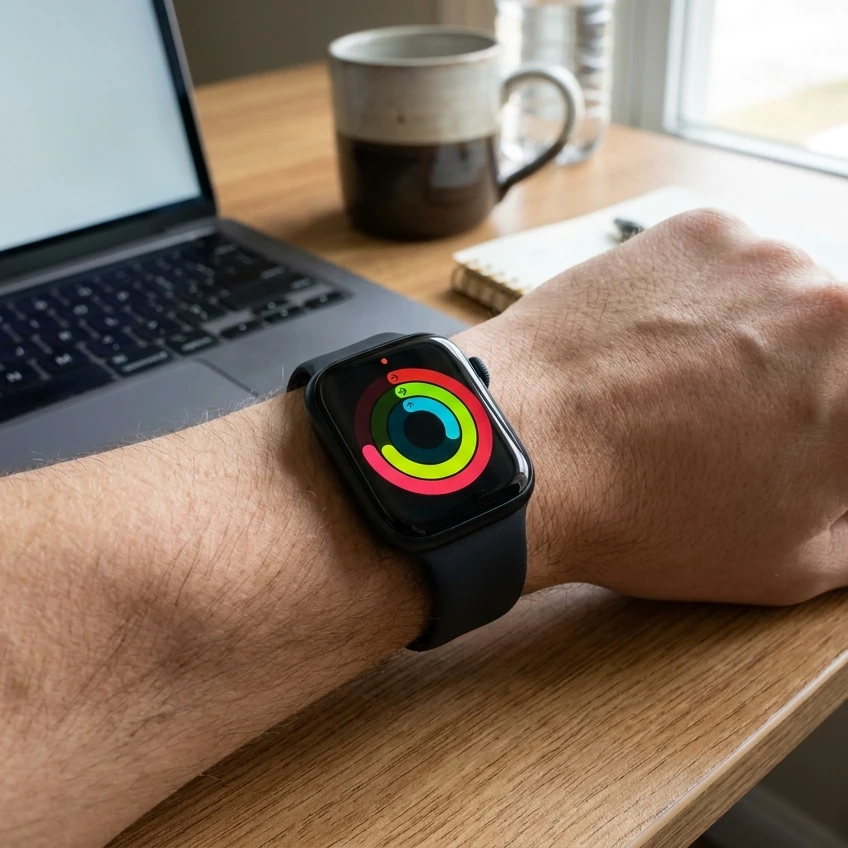
You closed every ring last week. The Move ring went green by 4pm most days. The scale hasn't moved in a month.
This is the most common Apple Watch story we hear, and it's not because the watch is broken. It's because the watch only measures one half of the equation. Move calories, Exercise minutes, Stand hours — those are all output. Weight loss is a function of output minus input, and your Apple Watch knows nothing about input. None of them do.
The good news is your wrist data is still useful for losing weight, just not in the way Apple's marketing suggests. Below is what each metric is actually telling you, where the numbers are off (sometimes by a lot), and how to pair them with the intake side so the scale finally moves.
What your Apple Watch actually measures — and what it gets wrong
The watch tracks four things that matter for weight loss: heart rate, step count, exercise minutes (anything sustained above ~3 METs), and an estimate of energy expenditure split into Resting and Active calories. Three of those four are reasonably accurate. One is the one most people anchor their weight-loss plan on, and it's the least accurate of the lot.
A Stanford-led study by Shcherbina et al. in the Journal of Personalized Medicine, 2017 tested seven wrist devices — Apple Watch, Fitbit Surge, Basis Peak, Microsoft Band, Mio Alpha 2, PulseOn, and Samsung Gear S2 — against clinical telemetry and indirect calorimetry while subjects walked, ran, and cycled. The Apple Watch came out on top. It still missed energy expenditure by around 27% on average. None of the seven devices measured kcal with under 20% error.
Heart rate, by contrast, was within about 2% on the Apple Watch — better than most chest straps from a decade ago. So if you trust your watch's kcal number to the gram and plan a 500-kcal deficit around it, you're working from a number that could be 150 kcal off in either direction on any given day. That's the entire deficit.
What this means in practice:
- Heart rate — trust it. Use it for zone-based training and to confirm an effort actually hit Zone 2 (roughly 60–70% of max HR) instead of guessing.
- Steps — trust it within ±5%. Useful as a daily floor.
- Exercise minutes — trust the direction (up or down vs. last week), not the precise count.
- Move calories / Active Calories — treat as a relative trend, never an absolute kcal you can budget against.
If you've been planning meals around the Move ring number, that alone explains a stalled scale. Fix the input number first.
Calculate your real daily target — your Move ring isn't your TDEE. Run the free calorie calculator to get a maintenance number based on your age, sex, weight, and actual activity level, then build your deficit from there.
The metric that actually correlates with weight change (it's not Move calories)
If you had to pick one Apple Watch metric to optimise for fat loss, it would not be Move. It would be average daily steps over a 7-day window, with Exercise minutes ≥ 30/day as a secondary check.
Here's why. A 2022 meta-analysis in The Lancet Public Health of 47,471 adults (Paluch et al.) found that all-cause mortality risk dropped sharply with step counts up to roughly 7,000–10,000 steps a day, with diminishing returns above that. The same band correlates well with the NHS recommendation of at least 150 minutes of moderate-intensity activity a week, and the CDC's matching guideline for US adults. If you're hitting roughly 8,000 steps and 30 Exercise minutes most days, you've ticked the public-health box. The remaining lever for weight loss is intake.
A worked example. A 38-year-old woman, 168 cm, 76 kg, desk job, walks the dog twice a day:
- Apple Watch typical week: ~9,200 steps/day, 32 Exercise min/day, Move ring 480/520 closed.
- Move ring estimate of Active calories: ~520 kcal/day. Real value (per the Shcherbina-style adjustment): probably 350–400 kcal.
- True TDEE from a calorie calculator using "lightly active": ~1,950 kcal.
- Deficit she thinks she's running on a 1,500 kcal day: 1,950 + 520 − 1,500 = 970 kcal.
- Deficit she's actually running: 1,950 + ~375 − 1,500 (more realistically ~1,650 once liquids and sauces are counted) = ~675 kcal.
Same week of effort. Half the perceived deficit. That's why the scale is honest where the watch is generous.
Closing the loop — pairing wrist data with intake awareness
The hard part isn't tracking output. Your watch already does that. It's tracking input without making your life miserable. Two patterns work for Apple Watch users specifically:
1. Set a calorie floor, not a precise daily target. Most people who already wear an Apple Watch are detail-oriented and tip into under-eating when they go too granular. Pick a daily floor (say 1,600 kcal for the example above) and a weekly ceiling. Hit the floor every day. Stay under the ceiling on average. The watch's day-to-day Move variance becomes irrelevant because you're working on a 7-day window.
2. Track for 14 days, not forever. Almost every Apple Watch user we've seen lose weight tracked intake intensively for two weeks, then dropped to spot-checks. Two weeks is enough to find the "invisible" calories — the oat milk in the latte, the olive oil on the salad, the handful-of-almonds drift. The NutriGuide food journal is built for exactly this — pattern-recognition logging with no streaks and no shame, designed to spot the drift in two weeks rather than make you log forever.
The point is symmetry. You wouldn't trust a bathroom scale that only weighed your left foot. Don't trust a weight-loss plan that only measures output.
If you sit at a desk most of the day even with the rings closed, our guide on losing weight when you sit all day covers the NEAT side of the equation that step count alone can't capture. And if you're over 40, where hormonal context shifts the maths, see our meal plan for women over 40.
What to actually eat to fit the data
The most common Apple Watch profile — closing rings, hitting 8,000+ steps, doing 2–4 strength sessions a week — is the profile that benefits most from a high-protein approach to weight loss. Higher protein protects lean mass during a deficit (so the strength work isn't wasted), keeps you full at lower kcal, and has a mild thermic-effect bonus on the output side too.
Practical: aim for 1.6–2.2g protein per kg of bodyweight, anchored around three meals. For the 76 kg example above, that's ~120–165g/day. A few meals that hit the brief without being clinical:
- Air-fried lemon herb chicken and vegetables — 32 g protein, 261 kcal, 28 minutes. The post-strength-session meal that doesn't blow the deficit.
- Spinach and feta stuffed chicken breast — 30 g protein in 176 kcal of dinner, leaving room for a generous side of vegetables and a fist of starch on training days.
If you want the macros tuned to your specific watch data and goals rather than a generic guideline, see how to balance macros for weight loss — it's the next step after you've got intake on a leash.
One last thing worth saying out loud, because the wearables industry rarely does. A 2016 JAMA trial by Jakicic et al. followed 471 adults on a behavioural weight-loss programme for 24 months. Half got a wearable activity tracker; half didn't. The tracker group lost less weight (3.5 kg vs. 5.9 kg). The most reasonable read isn't "trackers are bad" — it's that a tracker without intake awareness can give a false sense of progress that erodes the discipline that drives the actual deficit. A watch is a tool, not a plan.
If you have a heart condition, ask your GP before relying on Apple Watch heart-rate-based recommendations or doing high-intensity exercise. The watch is a useful trend tool, not a medical device.
Ready to fix the input side? Calculate your true daily calorie target — it's free, takes 60 seconds, and gives you a number that doesn't depend on your Move ring being right.